
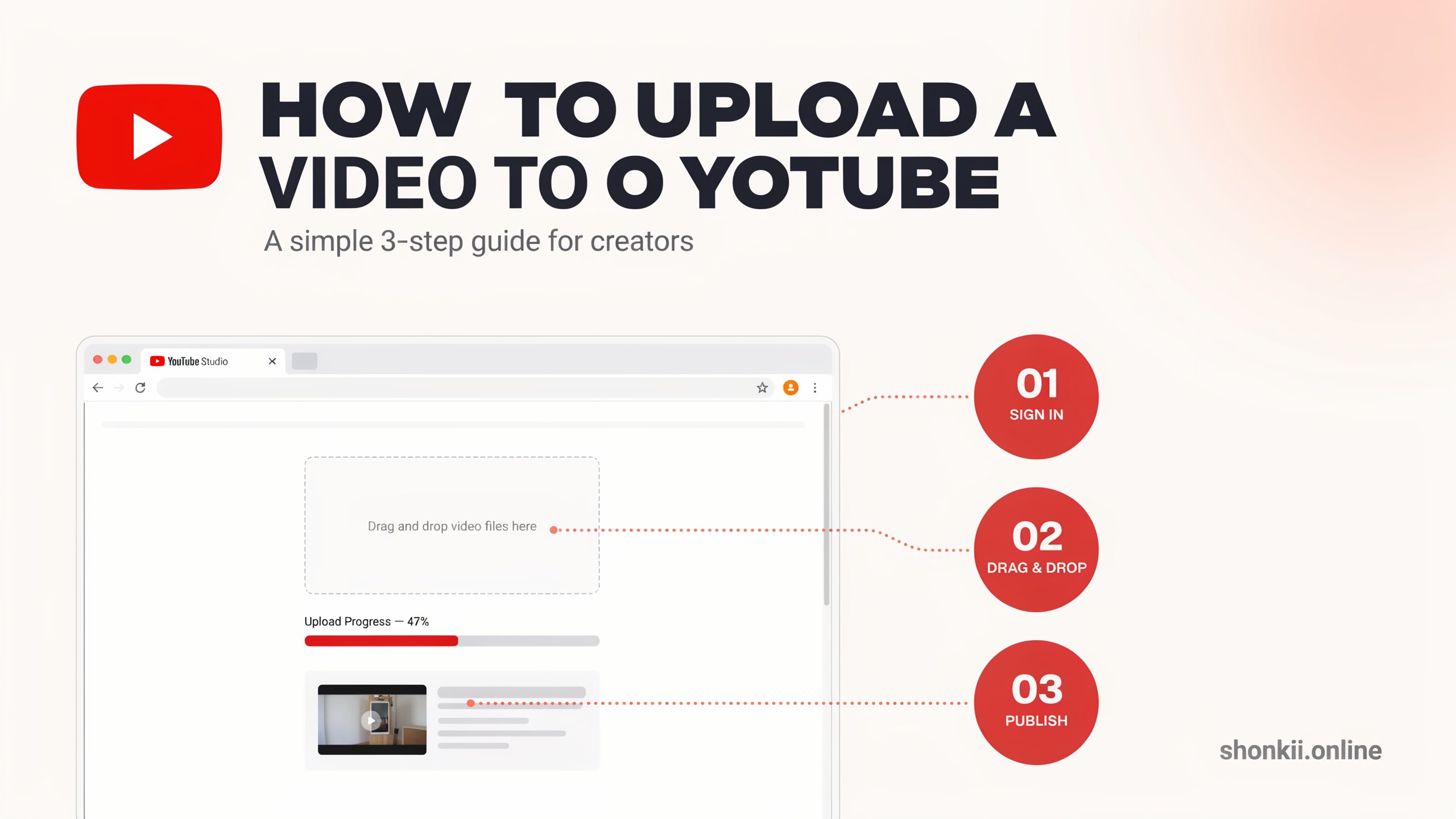
YouTube is the world’s largest video-sharing platform, with billions of users watching content every month. Whether you’re starting a YouTube channel, promoting a business, or simply sharing memories with family and friends, learning how to upload a video to YouTube is an essential skill.
This guide will take you through absolutely everything you need to know from start to finish, including step by step instructions, some top tips and tricks, the most common mistakes people make and the pros and cons of all the different options available to you when it comes to uploading videos to YouTube.
Why Upload Videos to YouTube?
The thing is, YouTube is a global Phenomenon, with endless possibilities for creators, business owners and even hobbyists.
Here’s a few of the benefits you can expect:
- Access to a global audience means you can share your stuff with people from all around the world
- Building a personal brand or a business brand is a breeze
- You can even start earning some money through YouTube’s monetization tools
- Educate and entertain your viewers
- Drive traffic to your website or social media profiles
- Even build a loyal online community
Whether you’re a complete beginner or a seasoned pro, YouTube is a powerful tool that can help you reach millions of people.
Uploading Videos to YouTube – A Step-by-Step Guide
So, you want to know how to actually do it? The good news is that it’s easy and will only take a few minutes…
Step 1 – Sign In to Your YouTube Account
First things first, head on over to YouTube.com and sign in using your Google account.
If you dont have a YouTube account yet, dont worry, its easy to sign up.
Step 2 – Click the Create Button
Next, in the top right corner, you’ll see a create button, its a little icon of a camera with a + sign. Click on that and then select:
Upload Video
Step 3 – Pick Your Video File
Now, click Select Files and choose the video you want to upload from your computer.
One thing to note is that YouTube will accept a load of different formats, including: MP4, MOV, AVI, MPEG and WMV.
As a general rule of thumb, MP4 is the best format as it offers a great balance of quality and compatibility.
Step 4 – Add a Video Title
Now that you’ve selected your file, we need to add some important details, starting with a title that clearly explains what your video is about.
Here’s an example:
How to Upload a video to YouTube Step by Step
A good title will generally include the following:
- A clear explanation of what the video is about
- Some relevant keywords (but not too many!)
- Its easy to understand
Step 5 – Write a Description
The next thing to do is add a description which will help both your viewers and YouTube itself understand what your video is about.
Try to include:
- A brief summary
- Any important details
- Some useful keywords
- Any relevant website links or social media profiles
- (And dont forget to include a strong call to action!
Step 6 – Upload a Thumbnail
Now, you need to get your thumbnail sorted. This is what will encourage people to click on your video and watch it.
Here are a few tips to keep in mind:
- Its got to be bright and clear
- Include some readable text
- Its got to match the content of your video
- And if youve got the budget, make it look professional
Custom thumbnails can really help boost those click-through rates
Step 7 – Choose a Playlist
Playlists are a great way to keep all your videos in one place and make it easier for people to watch more of your content.
Here are a few ideas to get you started:
- Tutorials
- Reviews
- Gaming videos
- Vlogs
- Product demonstrations
Playlists can also really help you build a loyal following.
Step 8 – Set Some Audience Preferences
Next up, YouTube will ask you to say whether your content is made for kids.
Choose the option that best fits your video.
This helps YouTube comply with regulations and get the right content in front of the right people.
Step 9 – Add Some Tags & Categories
Tags are a great way to help YouTube understand what your video is about, so you can add in some keywords that will help your video get found in searches.
Here are a few more tips:
- Try to include a few relevant keywords (but not too many)
- Select a category that matches the content of your video
Step 10 – Select Your Visibility Settings
Youve got three options to choose from when it comes to who gets to see your video:
- Public – Anyone can watch your video
- Unlisted – Only people with the link can access the video
- Private – Only people you invite can watch it
Once youve chosen your settings, just click Publish and your video is live!
How to Upload Videos Using the YouTube App
Uploading videos on your smartphone is just as simple as it is on the desktop version.
Android & iPhone Steps
- Open the YouTube app
- Tap the + icon
- Select Upload Video
- Choose a video from your gallery
- Add a title and description
- Select your privacy settings
- Tap Upload
Best Practices for YouTube Video Uploads
Now that weve got the basics covered, heres a few best practices that will help your videos perform better:
Use High Quality Videos
For a start, aim for at least 1080p HD resolution.
Also, try to get good sound and lighting in your video, as this will really help with viewer engagement.
Create SEO-Friendly Titles
When it comes to your title, try to use some keywords naturally, without overdoing it.
Also, keep your title simple and to the point, so its easy to understand.
Write Helpful Descriptions
Your description should tell viewers what they can expect from your video.
Also, try to include some relevant keywords, as this will really help with search rankings.
Create Engaging Thumbnails
Your thumbnail is what will grab peoples attention, so make it count.
Try to make it look professional, with good lighting and clear text.
Add Chapters
Chapters can really help make long videos easier to navigate.
Upload Consistently
The final tip is to upload consistently. The more you upload, the more you’ll build your following over time.
Consistency is one of the biggest factors in building a successful channel.
A Real-World Example
Sarah, a small business owner in Texas, has been using YouTube to showcase her handmade candles.She posts tutorials, decoration ideas, and product demos on a weekly basis.
Within a single year:
- Her subscriber count really takes off.
- Website traffic picks up.
- Sales of her products improve.
- Customers start to trust her brand a great deal.
By continually uploading useful videos & making sure the titles and descriptions are spot on, Sarah is able to turn YouTube into a marketing channel that really works for her.
This is a great example of how uploading videos can help both individuals & businesses out.
Common Reasons Videos Fail to Upload
It’s not uncommon for problems to pop up during the upload process.
when you’ve got a slow internet connection
You are probably going to run into trouble when uploading a large video file.
video format compatibility issues
The fix for these is usually just to convert them into an MP4.
copyright issues
Using copyrighted music or video clips can either stop you from publishing or get you into trouble.
large file sizes
If a video is too big it’s going to take an age to process…and may even prevent it from uploading at all.
hd video processing issues
High res videos are going to hold things up a bit longer after you’ve got them uploaded.
Common Mistakes to Avoid
don’t skimp on video quality
Bad sound and fuzzy vision is an instant turn-off for viewers.
don’t use misleading titles
clickbait titles are going to damage trust and retention.
don’t ignore descriptions
YouTube needs to know what your video is about…so descriptions are pretty important.
don’t go willy nilly with uploads
Not posting regularly is going to stunt channel growth.
don’t ignore analytics
YouTube tells you loads about what your audience is actually doing with your content so make sure you’re paying attention.
Pros and Cons of Uploading Videos to YouTube
Pros
it’s free to use
You don’t have to pay a penny to upload your videos.
massive audience
Billions of people visit YouTube every month.
ways to make money
Creators can earn cash through ads, memberships and sponsorships.
build your brand
Videos help you establish authority and build trust.
long term traffic
If a video is really popular it can still get views years later.
Cons
too much competition
Millions of videos are uploaded every single day.
making the content takes time
Recording and editing is a job that requires time and effort.
copyright risks
If you use copyrighted material (that you shouldn’t be using) it can cause a load of hassle.
growing an audience is slow work
Building a successful channel is going to take patience.
not everyone is going to like you
Creators are occasionally going to get criticism from viewers.
Tips for Growing Faster on YouTube
focus on making useful content
Good videos attract more viewers.
brush up on your SEO
Titles, descriptions and keywords will all help get your video seen.
stay regular with your uploads
The more you upload the faster your channel will grow.
engage with your audience
Talking back to comments will build a community and earn you more trust.
keep on learning
Study YouTube Analytics to get an idea of what works and what doesn’t for your channel.
Conclusion
Learning how to upload a video to YouTube is simple, even for beginners. By following the right steps and optimizing your titles, descriptions, and thumbnails, you can create videos that reach more people and grow your audience over time. Whether you’re sharing personal memories, promoting a business, or building a YouTube career, consistency and quality are the keys to long-term success. With patience and regular uploads, YouTube can become a powerful platform for creativity, education, and online growth.